Tools needed
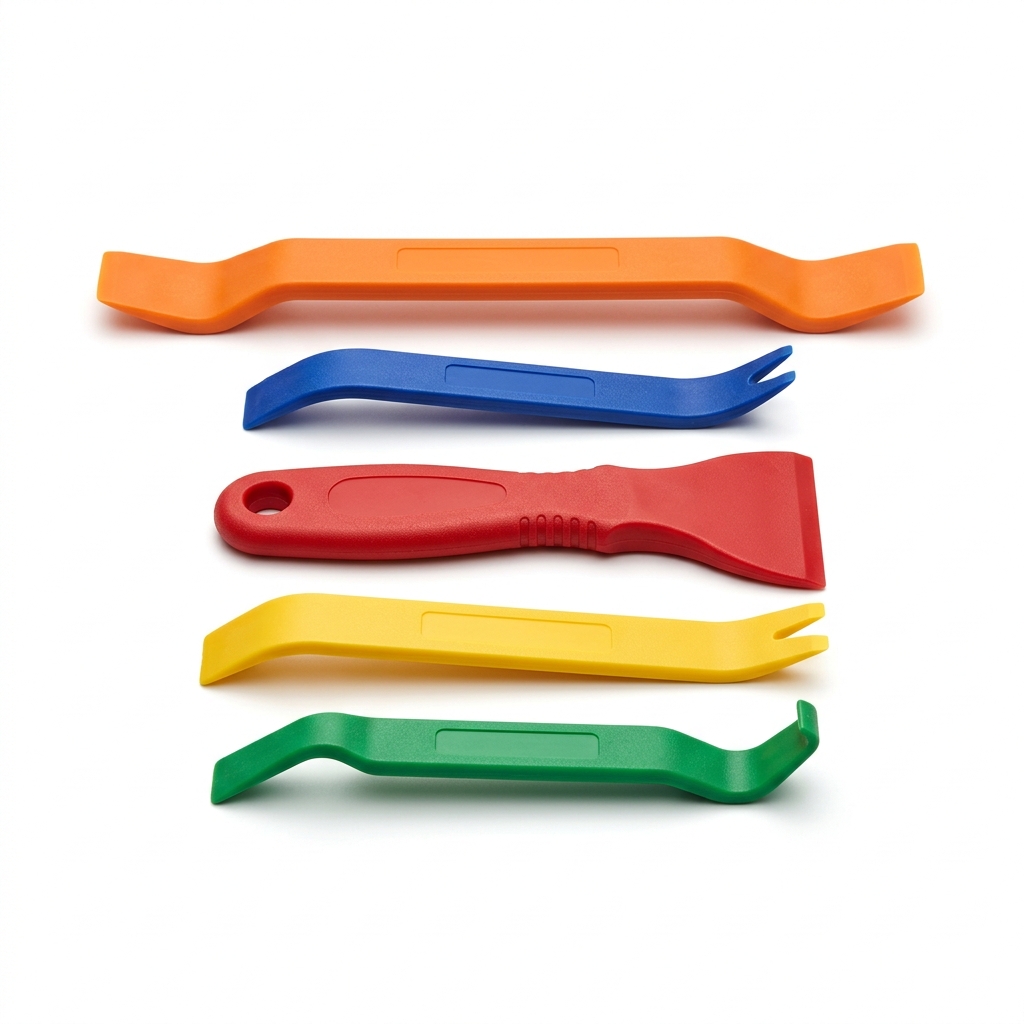
- Nylon panel pry tool set
- Multi-bit driver
- Trim removal tools
Materials needed
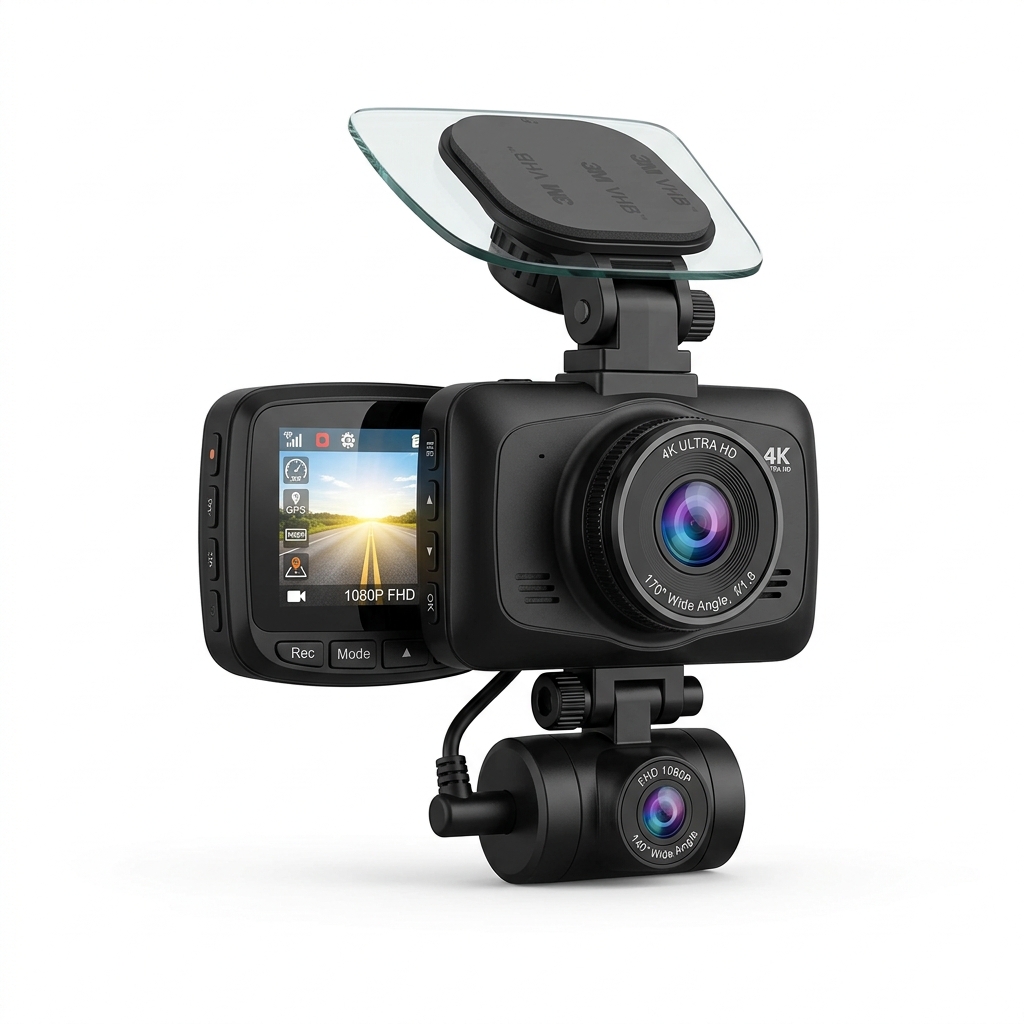
- Front and rear dash cam system
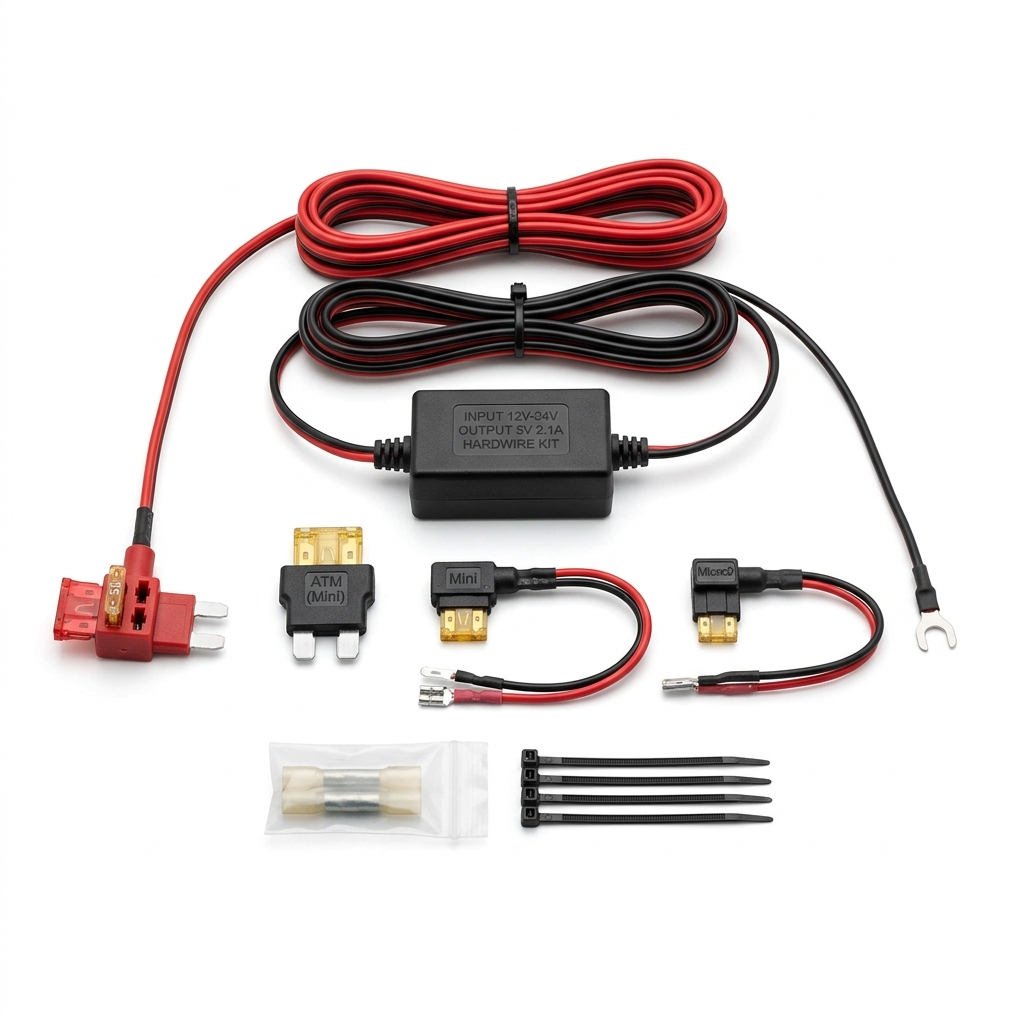
- 12V-to-5V hardwire kit with fuse tap
- Zip ties
Step-by-step
- 1
Mount the front camera behind the mirror and the rear camera at the top of the back glass.
- 2
Tuck the cable into the headliner and down the A-pillar, keeping clear of airbags.
- 3
Route the rear cable along the weatherstripping to the tailgate.
- 4
Find a switched (and a constant, for parking mode) fuse slot and install the add-a-fuse tap.
- 5
Ground the kit to clean bare metal and connect the step-down converter.
- 6
Tidy slack with zip ties, then confirm recording, loop, and parking mode work.
Common mistakes
- • Routing cable across an airbag path
- • Tapping a critical fuse like airbags or ABS
- • Poor ground causing flicker or reboots
Maintenance & next steps
Reformat the memory card periodically and verify both channels record after software updates.
When to call a professional
For vehicles with complex CAN-bus power management or if you're unsure which fuses are safe.
Editor's note: This is instructional content for How to Install a Front and Rear Dash Cam (Hardwired Connection). Replace with your own firsthand experience and photos before publishing.
This page contains affiliate links. If you purchase through them, we may earn a commission at no additional cost to you.