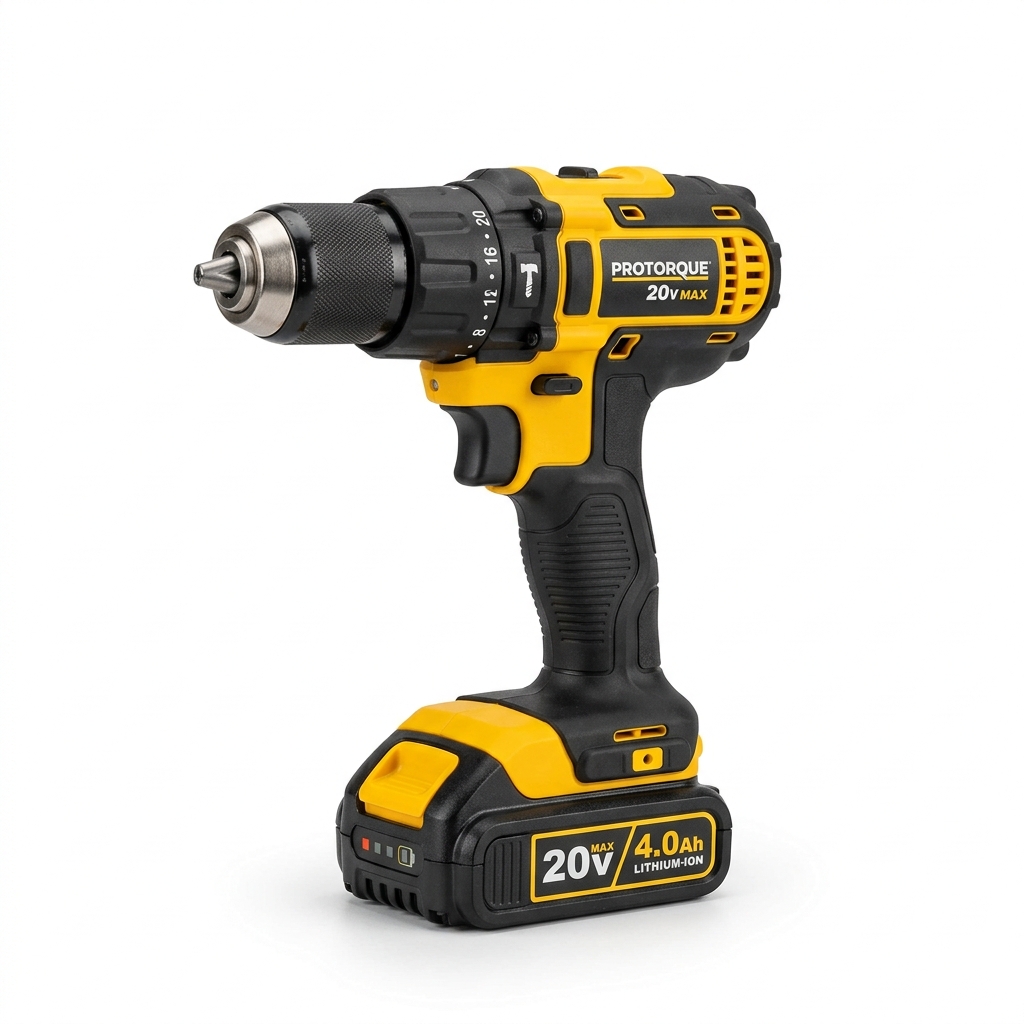
Tools needed
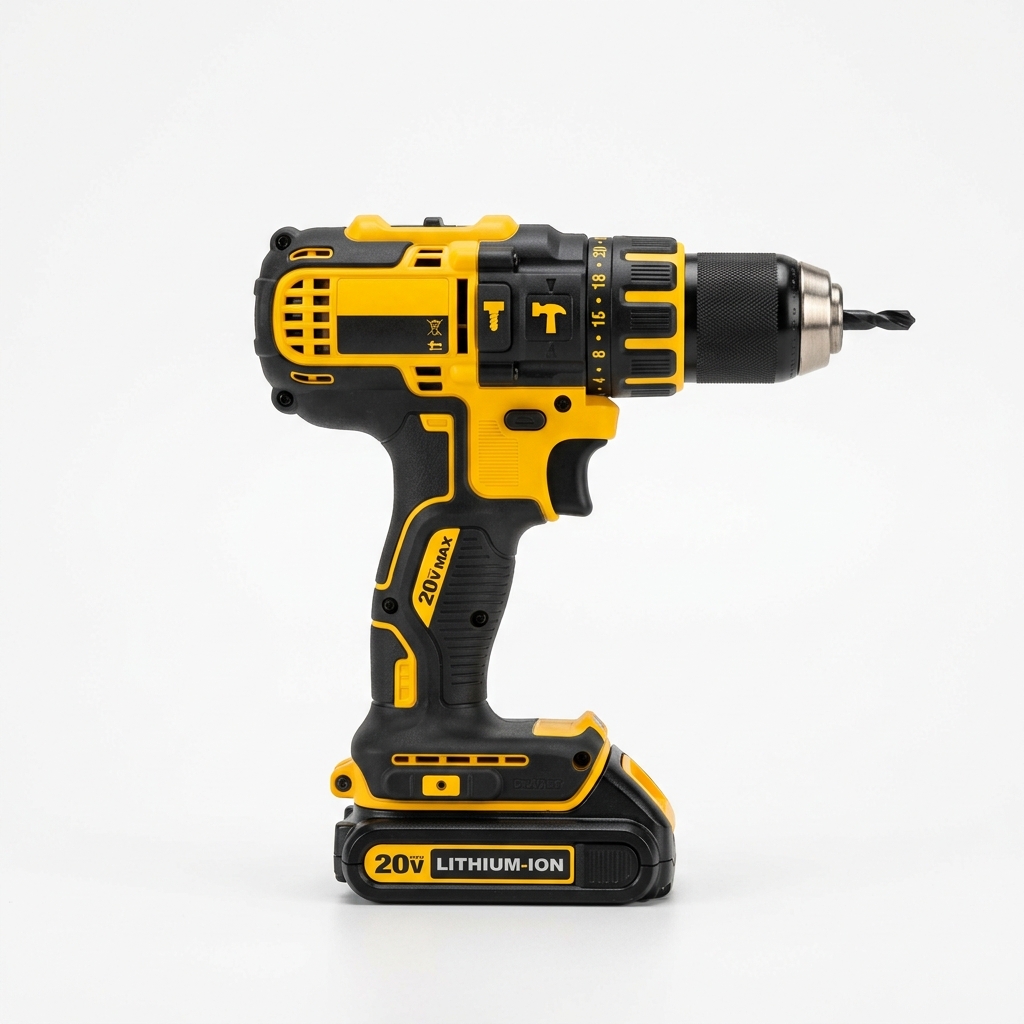
- 20V cordless hammer drill
- Masonry drill bit set
- Non-contact voltage tester
- Level
Materials needed
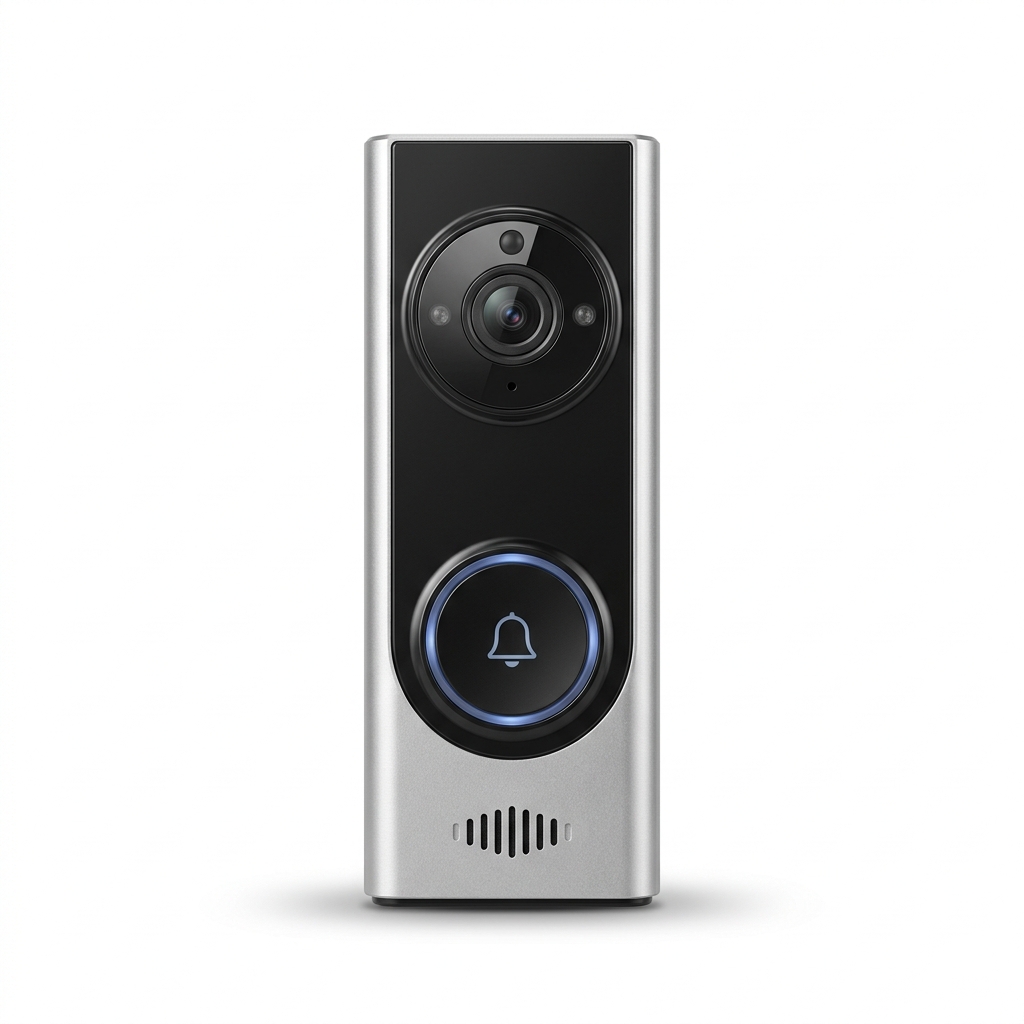
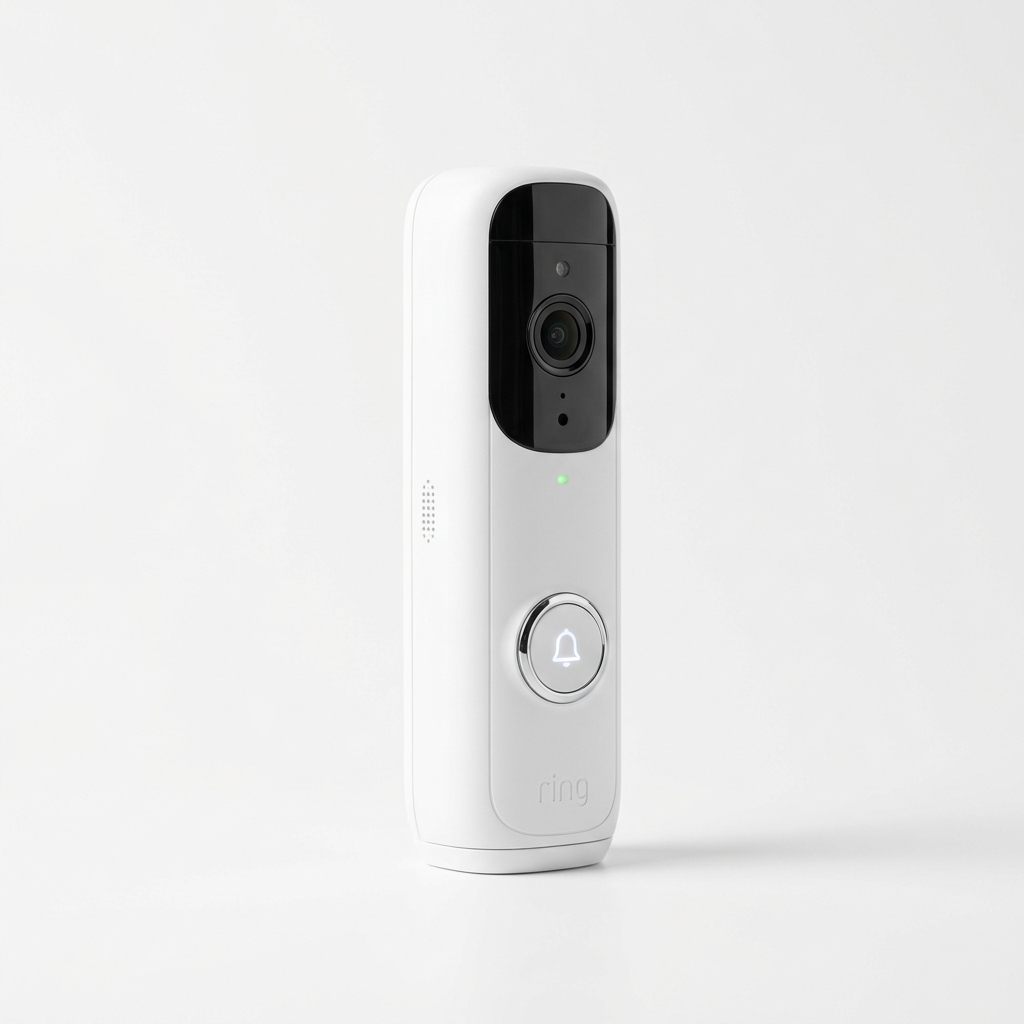
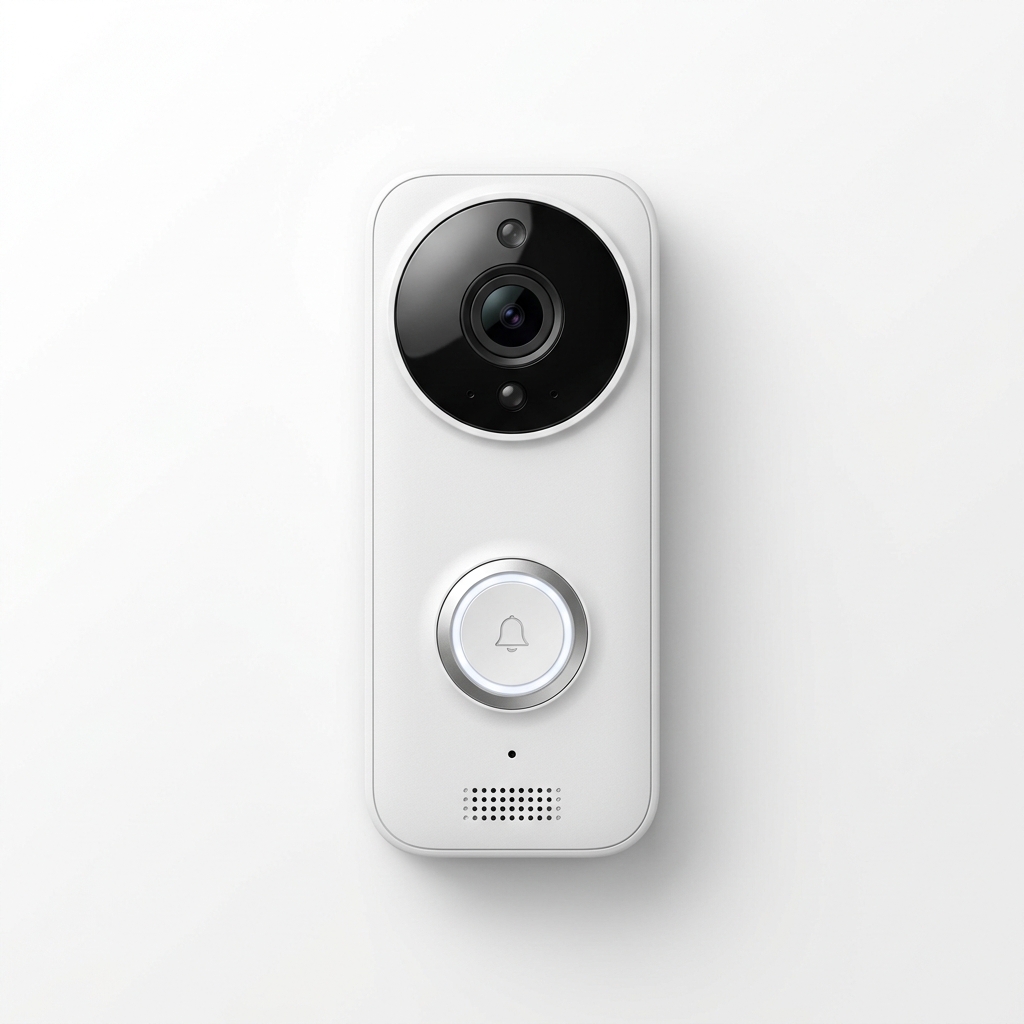
- Smart video doorbell
- Exterior masonry anchors
- Exterior silicone caulk
Step-by-step
- 1
If replacing a wired doorbell, cut power at the breaker and test the wires are dead.
- 2
Hold the mount level and mark your holes on a brick face or solid stucco — avoid mortar lines for strength.
- 3
Drill with a masonry bit sized to your anchors, going slow to avoid cracking.
- 4
Tap in anchors, screw down the mount, and connect the low-voltage wires if hardwiring.
- 5
Clip on the doorbell, restore power, and finish setup and angle adjustment in the app.
- 6
Run a thin bead of caulk along the top edge to keep water out.
Common mistakes
- • Drilling into mortar instead of brick face
- • Using a standard bit that overheats and cracks masonry
- • Over-driving anchors and spalling the surface
Maintenance & next steps
Recharge or check the battery per the app and clean the lens a few times a year.
When to call a professional
For transformer/chime wiring problems or crumbling masonry that won't hold an anchor.
Editor's note: This is instructional content for How to Mount a Smart Video Doorbell on Brick or Stucco. Replace with your own firsthand experience and photos before publishing.
This page contains affiliate links. If you purchase through them, we may earn a commission at no additional cost to you.